How to Reconcile POS and Ledger Exports at Month-End
Two exports can total the same amount and still contain different transactions. Use this synthetic October close to see what to compare, how to investigate differences and what to keep for review.
1. Align the two exports
Export point-of-sale (POS) transactions and ledger entries for the same entity and reporting period. Keep a copy of each original file. Confirm currency, amount signs and whether amounts include tax or refunds. Use a shared transaction ID where available. If the ledger batches multiple sales into one entry, establish a batch-to-transaction mapping before comparing amounts.
2. Check totals, then match individual records
In this synthetic October 2026 example, both USD exports total $145. Match rows by transaction ID and compare the dates and amounts for each match.
| Transaction ID | POS | Ledger |
|---|---|---|
| matched | Oct 1 · $100 | Oct 1 · $100 |
| timing | Oct 1 · $40 | Oct 2 · $41 |
| pos-only | Oct 1 · $5 | Missing |
| ledger-only | Missing | Oct 1 · $4 |
| Total | $145 | $145 |
The ledger is $1 higher on the shared timing record. That $1 and the $4 ledger-only entry offset the $5 POS-only record. The totals agree even though three records need review.
3. Investigate each difference
- Date and amount mismatch. Check the receipt, settlement or posting batch for the October 1 versus October 2 timing. Trace the extra $1 separately. A posting delay alone cannot explain the amount difference.
- POS-only record. Trace the $5 sale to the export, posting batch and any relevant void or refund record. Confirm whether a ledger entry is missing or recorded under another reference.
- Ledger-only record. Trace the $4 entry to its journal or supporting document. Determine whether it belongs in the POS comparison and document the reason.
4. Save the evidence and review the close
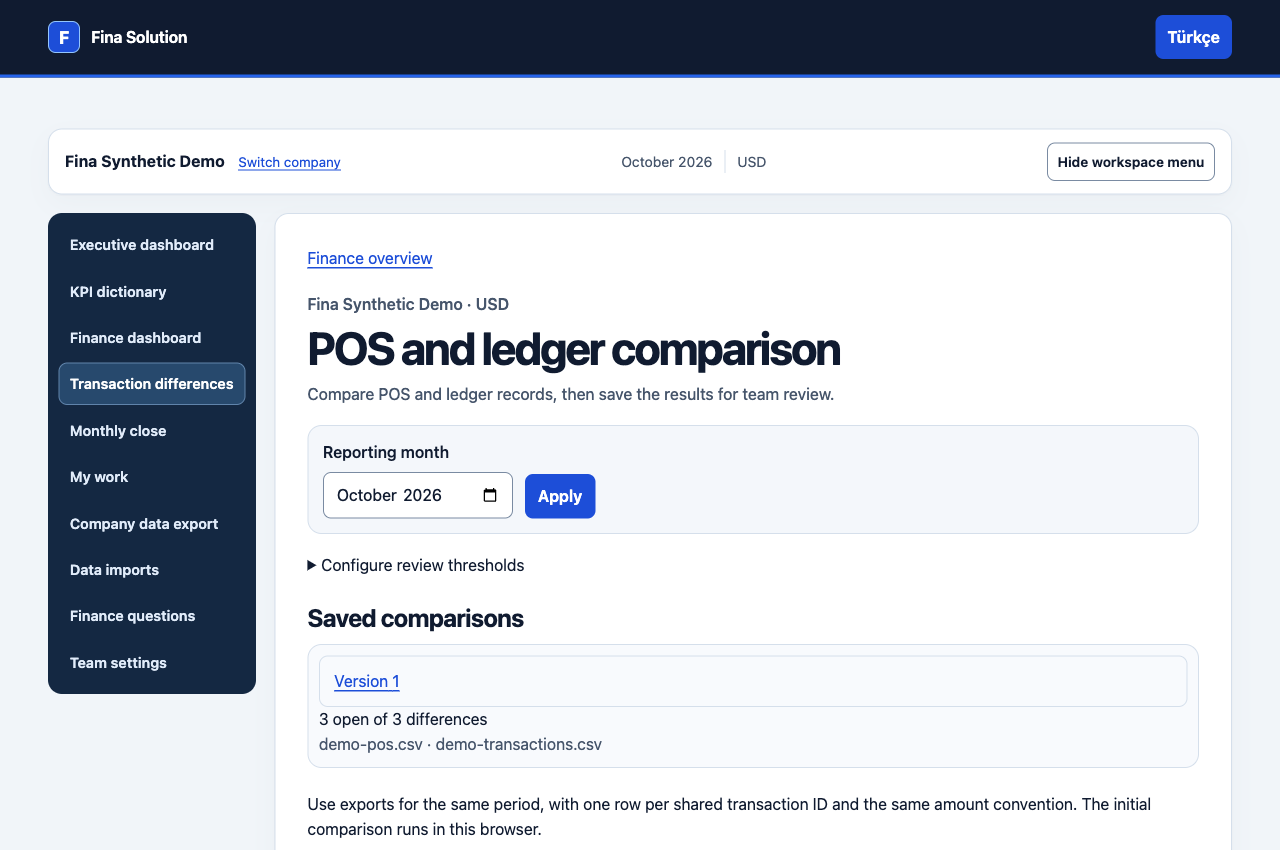
For each exception, record the owner, status, source reference and resolution. If a correction is approved, keep the supporting record and rerun the comparison against the updated exports. Give the reviewer the reporting period, file versions and any open items that affect sign-off. Carry the reviewed figures and unresolved items into the management report so readers can trace them to the records behind them.
See how the comparison fits into the FinAI Solutions Finance & Executive dashboard workflow.
Discuss a guided monthly-close pilot
Start with one company, one reporting period and the POS and ledger exports your team already uses.
Open the pilot enquiry form